Make a section repeatable
- Open Requests.
- Choose Edit on the request you want to change.
- Select the section you want to repeat.
- In its settings panel on the right, switch on Repeatable section.
Say you build a section called "Team Member" with questions for a name, a bio, and a photo. If you set the section to repeat, a client with three team members can add a copy for each, rather than building a separate section for every one.
Two things stop the toggle turning on. A section can't repeat if it has a signature field that locks the request, or if a condition elsewhere in the request depends on one of its questions. Remove that field or that condition and you can turn it on.
Set the instructions, button, and repeat limit
Once Repeatable section is on, three settings appear below it:
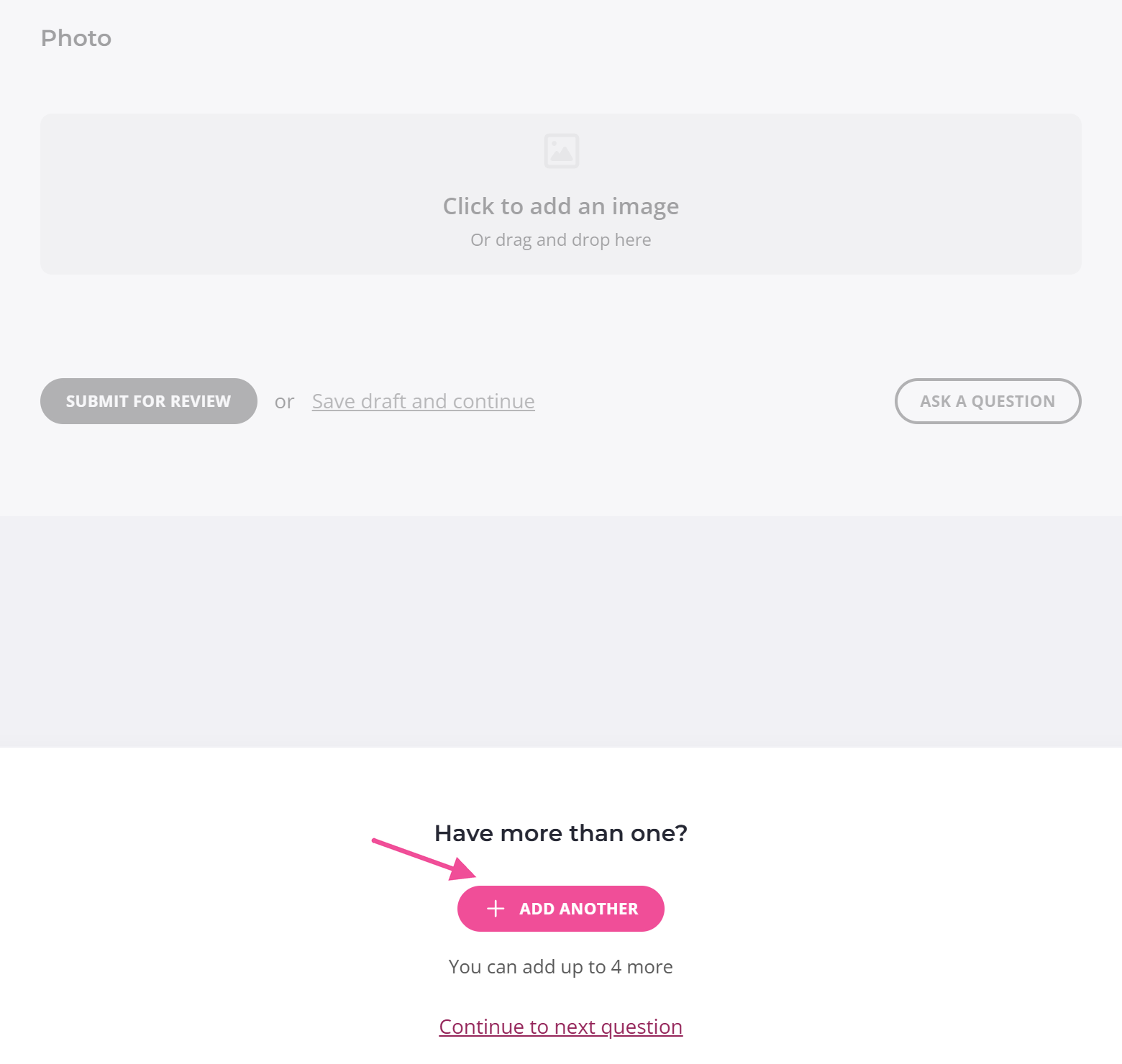
- Instructions sets the text shown above the button, where you tell the client why and when to add another copy. It defaults to "Have more than one?".
- Button Text sets the label on the button the client clicks to add a copy. It defaults to "Add another".
- Max number sections sets the most times the section can appear.
Max number sections counts the original, so set it to 2 to allow one extra copy, or 3 for two more. The highest you can set is 20.
Change a repeatable section after a client has used it
Finish setting up a repeatable section before your client starts using it, because the section locks the moment they add a copy.
After it locks, you can't edit the section or turn the repeat off. To change it, use Delete all repeated sections. Some of those copies may already have answers.
Create a Xero Practice Manager client for each repeat
If a repeatable section has a Xero Practice Manager Create new client action on it, each copy your client adds becomes its own client in Xero Practice Manager. A section filled in five times gives you five clients, each built from the name and email in that copy.
They aren't created as your client adds each copy. The action runs when the request is completed, or when you run it yourself. Create clients in XPM from a request covers setting it up and choosing which ones.